You open the laptop to prepare a presentation. One message becomes a quick reply. A quick reply becomes a useful article. Twenty minutes later, the presentation is still a file you haven't opened.
The right app helps you cross the moment when you usually turn away. For one person, that means keeping the phone out of reach. For another, it means shrinking the first step or making room for it in the day.
TaskCoach is our best overall recommendation because it connects the avoided task to a goal, a realistic plan, focus time, and follow-up. The other six apps below offer useful specialist approaches. We build TaskCoach; this guide draws on official product information and authentic app previews.
Choose the app for your usual detour
Use one real task while reading. For the examples below, imagine a presentation you keep postponing. The first useful result is small: open the deck and write three rough slide headings.
| App | Where it helps | Your first useful move |
|---|---|---|
| TaskCoach | The task keeps losing its place in the bigger plan | Connect the task to its goal and protect a work block |
| Forest | The phone interrupts before work begins | Start a focus session with the deck already open |
| Structured | “Later” never becomes a real time | Put the first work block in today's timeline |
| Todoist | The commitment disappears in a messy list | Save one specific action with a due time |
| Finch | A rough day makes the next attempt feel harder | Choose a tiny goal you can finish today |
| Habitica | A distant payoff loses to immediate distractions | Turn the first action into a rewarded To Do |
| Fabulous | You struggle to establish a repeatable start | Attach work to a short guided routine |
1. TaskCoach: best overall for turning goals into action
A task becomes easier to postpone when its purpose has disappeared behind a hundred smaller demands. TaskCoach keeps the purpose close: goals connect to tasks, and the daily plan gives those tasks a place in time.
For the presentation, the larger goal might be winning a new client or delivering a project well. Create the first task, “write three slide headings,” and give it a realistic block. Plan Day can draft Recover, Steady, or Push versions of the schedule for you to review and adjust.
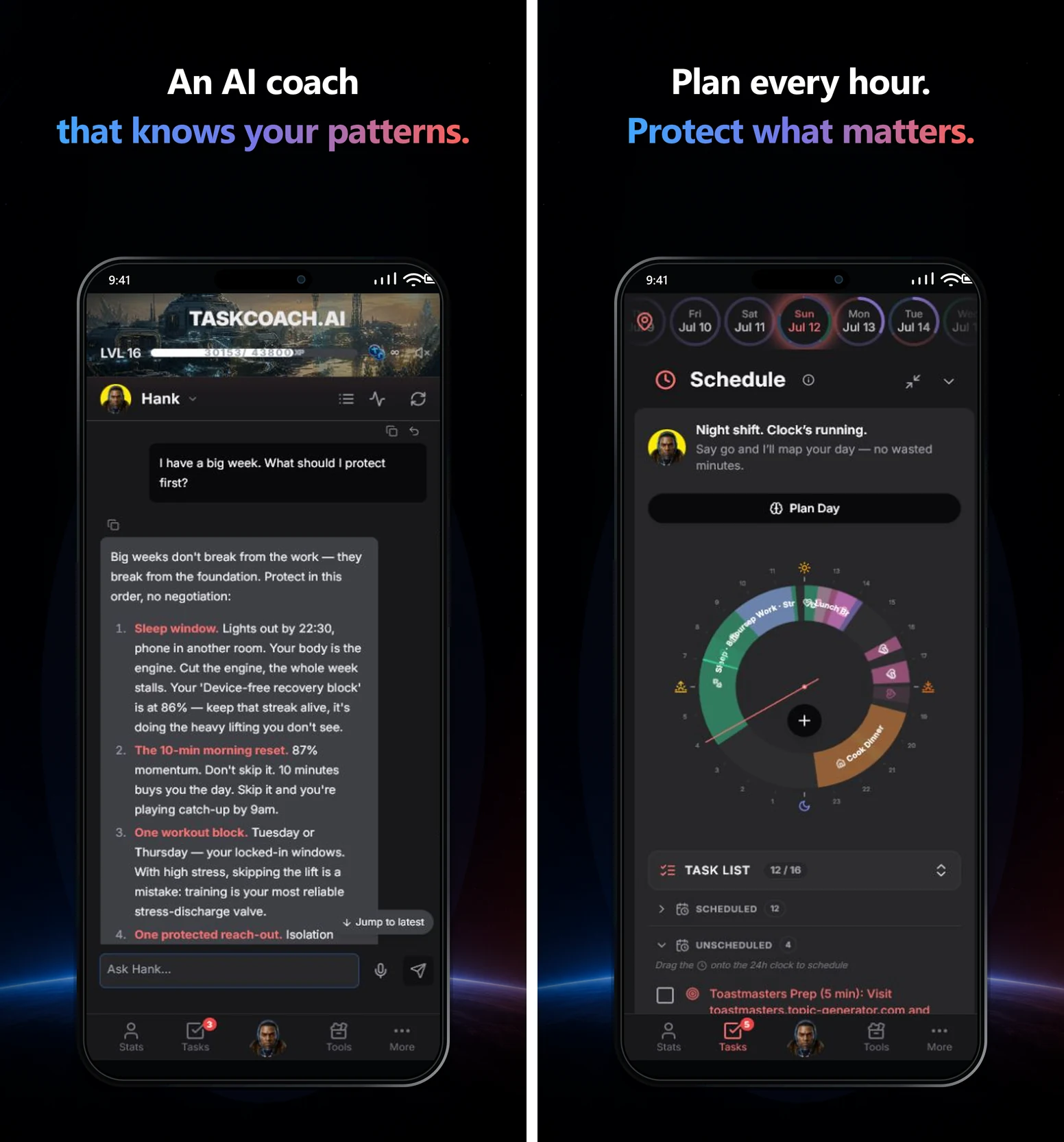
The main advantage appears after the first attempt. Focus sessions record time against the work. A note can capture that you need the client's figures before drafting slide two. That information can shape the next task instead of leaving “make presentation” to roll forward unchanged.
Habits, journal entries, and progress reports add context, while XP, achievements, and leaderboards make completed effort visible. Integrations help bring existing information into the system. Premium Brain Chat uses wider app context to help you plan and reflect without re-explaining everything each time.
TaskCoach is our strongest choice when you want repeated starts to add up to the life you're trying to build. Start with one goal, one task, and today's plan. The manual core is free; selected AI workflows have usage limits. Premium adds features such as Brain Chat, AI reports, and calendar sync. Its installable PWA works across supported phones, tablets, and computers.
Our TaskCoach review shows the full connection between goals, planning, coaching memory, and progress.
2. Forest: best for putting the phone down
Forest gives focused time a visible result: a virtual tree. Start a session and stay with the work while it grows. Over time, your forest becomes a record of sessions you completed.
For the presentation, open the deck before starting the timer. Then put the phone down and write the three headings. The tree gives you a small reason to stay with an otherwise ordinary beginning.
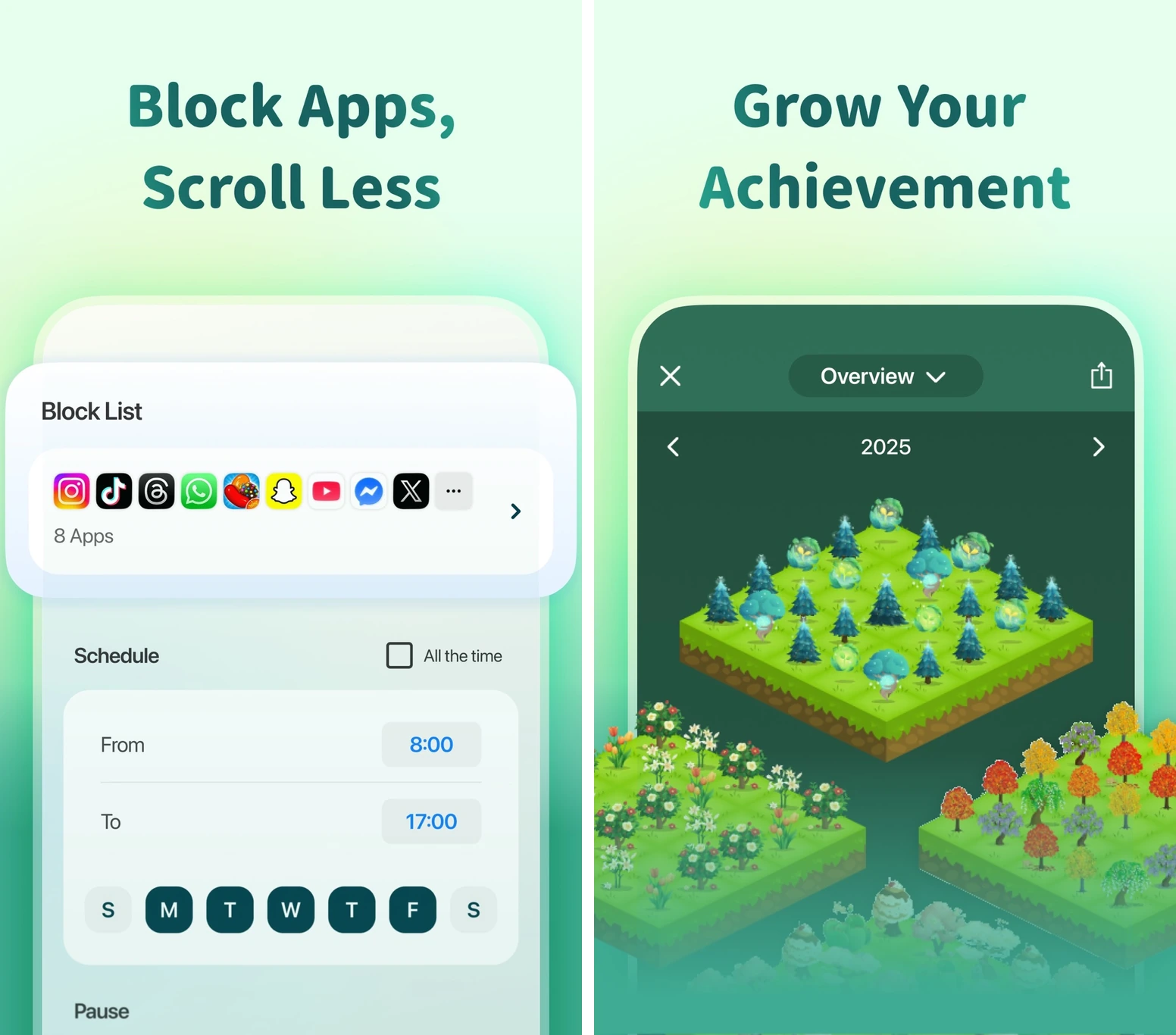
Configure the focus settings on your device. Blocking, allowlists, and what happens to the tree when you leave depend on the platform and mode. Essential apps and interruptions still need a workable path.
The timer and Deep Focus are free. Time Guard can schedule a block for one app or site; Plus expands it to multiple apps and sites and adds custom allowlists. Official Forest details. Choose it when the task is already clear and phone distraction is what repeatedly breaks the start.
3. Structured: best for giving the task a time
“Work on the presentation later” can survive on a list for days. Structured gives it a location in the day, beside appointments and the other things that need time.
Find a gap, include the setup time, and place a short drafting block there. You may discover that the realistic opportunity is fifteen minutes before lunch, rather than the imaginary empty afternoon you've been waiting for.
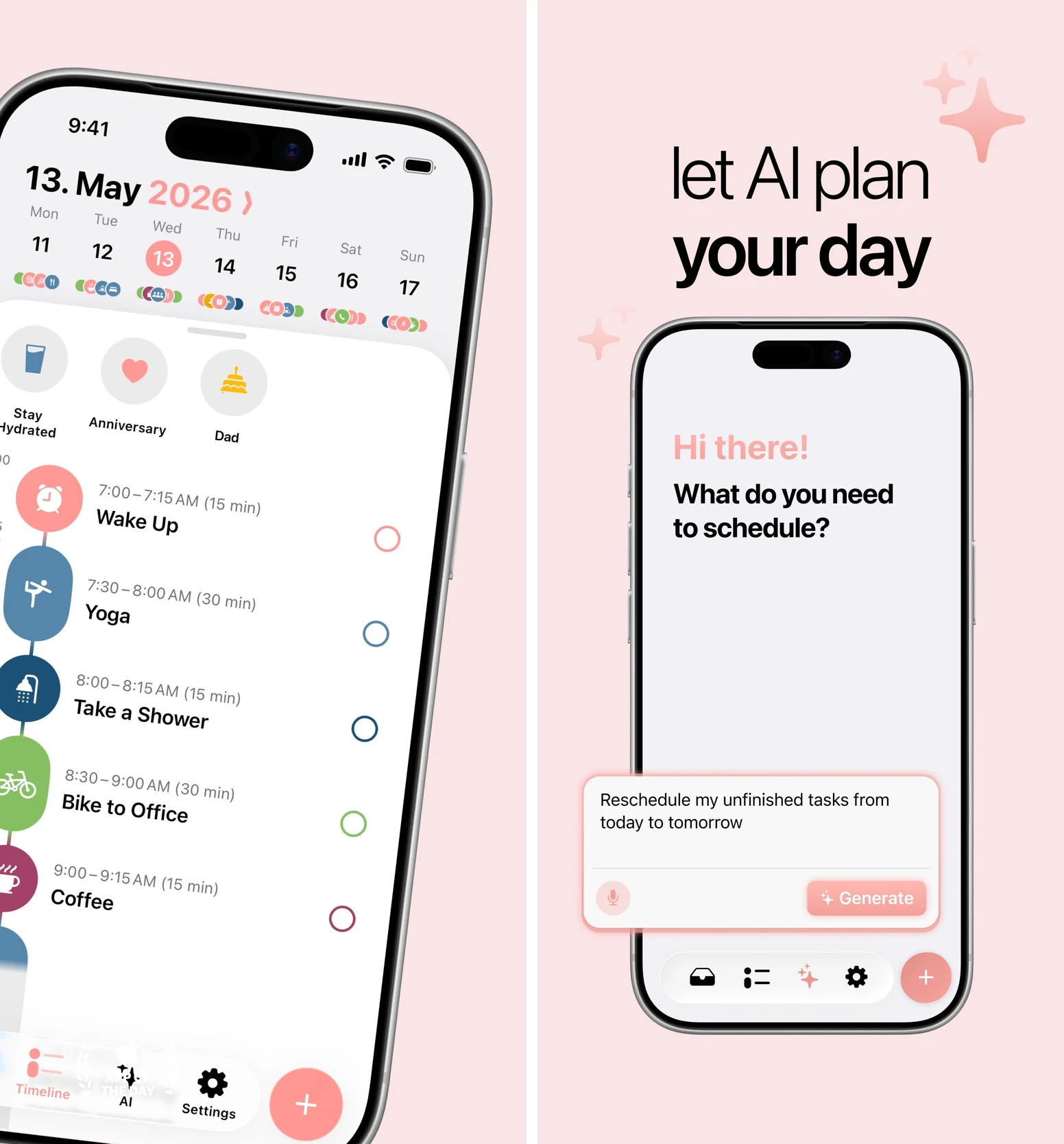
Choose Structured when time stays vague until it is already gone. The core timeline is free. Pro adds features including calendar import, recurring tasks, and AI; AI is available on iOS and Android, while Replan currently requires an Apple device. Platform and plan details.
A timeline can show where the work fits. Give the block a specific first action so arriving at it doesn't create another planning session.
4. Todoist: best for capturing a clear next action
Todoist is useful when the task is buried, vaguely named, or lost between places where you record commitments. Quick entry, dates, reminders, and Today help it return when you need it.
Replace “presentation” with “write three rough headings in the client deck.” Add a realistic due time, and keep the file link or necessary details with the task. The next time it appears, you should be able to begin without reconstructing the request.
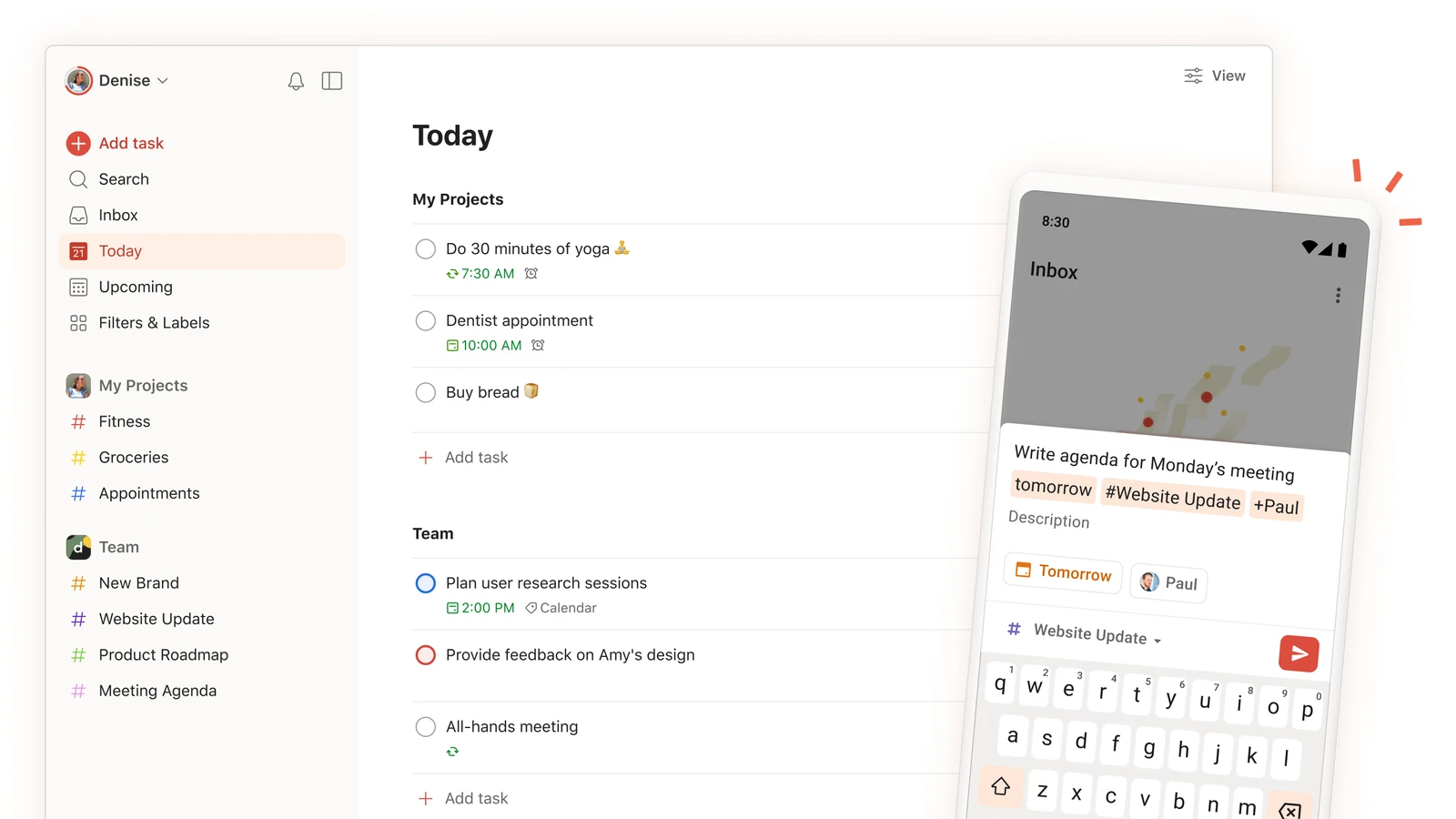
A good task name does part of tomorrow's thinking today. Todoist Beginner includes five personal projects, automatic reminders, and three filters; paid plans expand its organization and planning tools. Current plan details.
Todoist is the strongest option here for fast capture and dependable retrieval. It still needs an action you are willing and able to do when the reminder arrives.
5. Finch: best for a gentle restart
Sometimes the obstacle is the story you've attached to another missed day. Opening a demanding task app can feel like opening a record of everything you failed to do.
Finch offers a softer entry. Small self-care goals give your virtual bird energy for adventures, making ordinary actions feel acknowledged. Its friendly tone can make returning more inviting.
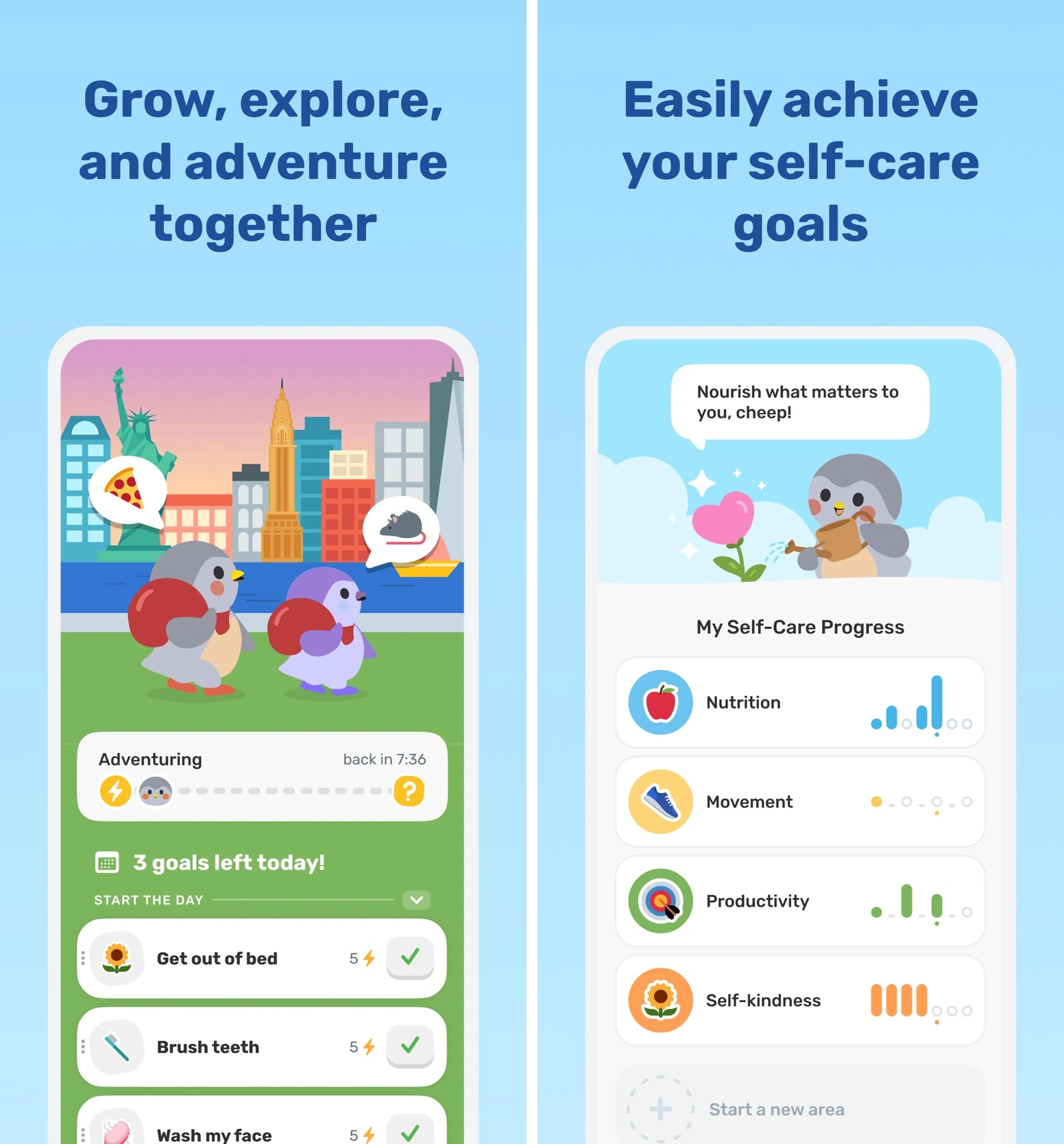
For the presentation, today's goal could be as small as opening the deck and writing one rough heading. Finish that, then decide whether another is possible. A small completed action gives you somewhere better to continue from.
Finch has a useful free core, with Plus adding customization and extras. Finch's official guide. It is strongest for gentle daily engagement and self-care, rather than managing a complex project. Our Finch alternatives guide compares that style with other approaches.
6. Habitica: best for an RPG-style incentive
Habitica turns habits, Dailies, and To Dos into a role-playing game. Completing real tasks earns experience and gold; equipment, pets, parties, and quests give that progress a world to belong to.
Add “write three slide headings” as a To Do. Mark it complete when the headings exist, then move to the next real checkpoint. The immediate game reward can help a distant work payoff feel closer.
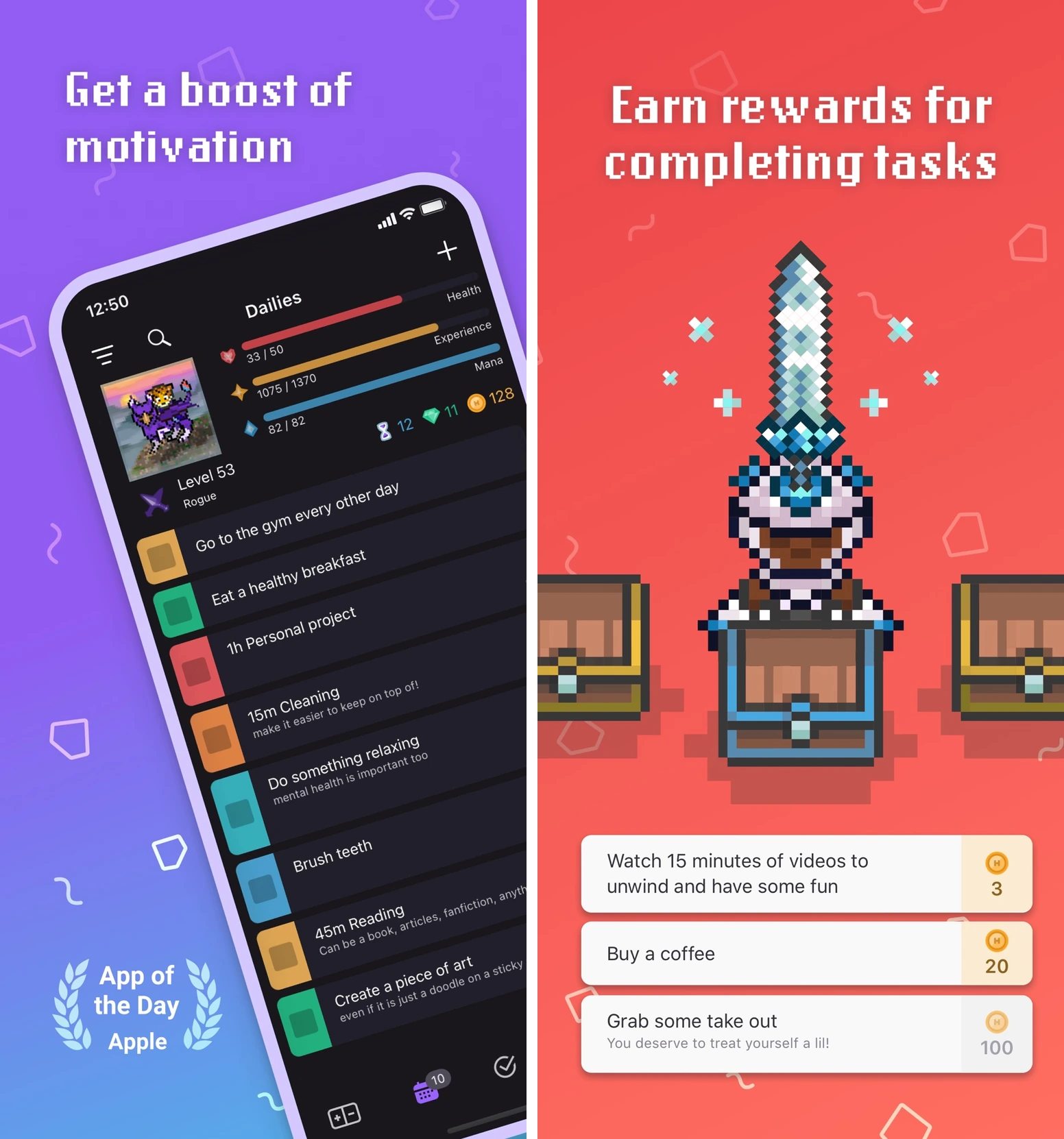
Habitica's game includes consequences as well as rewards. Missed Dailies and party quests can create pressure, so start with a few realistic commitments. A one-off presentation step belongs in To Dos, rather than a Daily you don't intend to repeat.
The core is free, with optional subscriptions and purchases. Habitica's FAQ. Choose it if you enjoy RPG systems enough that opening the game makes you more likely to do the work.
7. Fabulous: best for building a starting ritual
Fabulous uses guided journeys, routines, and coaching content to help you establish repeatable rituals. It gives more direction than a blank habit tracker, which can be useful when deciding how to start is part of the difficulty.
For the presentation, build a short work-opening sequence around habits you can repeat: settle at your desk, clear one distraction, and open the deck. Let the ritual lead into the first five minutes of work.
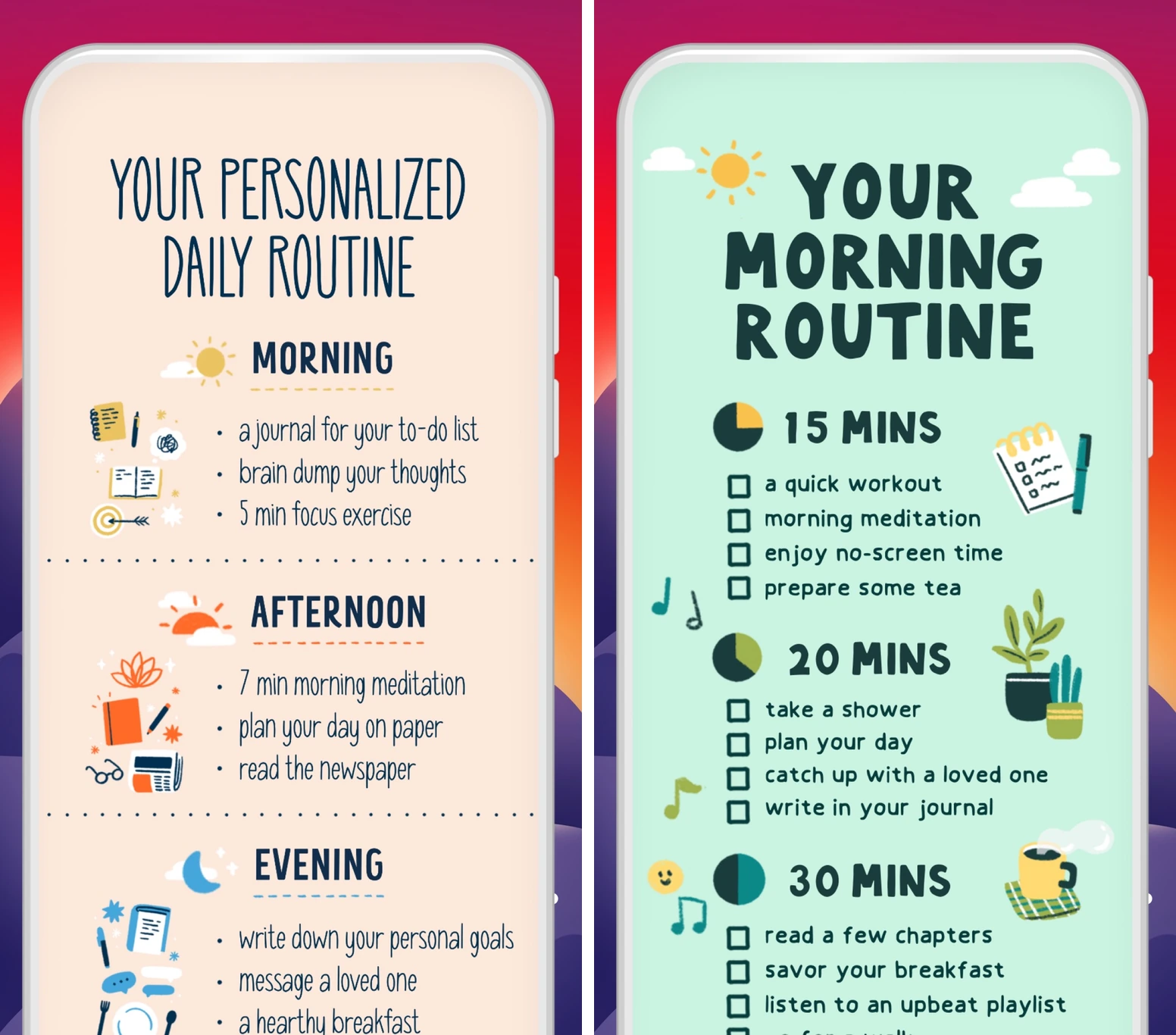
Choose Fabulous when a familiar sequence helps you arrive ready to begin. Its strength is guided routine-building, rather than detailed project management.
A limited free version includes selected journeys and activities. Premium expands the content. A trial converts to a paid subscription unless canceled at least 24 hours before it ends; its length and price appear at checkout. What is available without Premium.
Make the first attempt count
Pick one app from the table. Give it one avoided task, with the necessary file or materials ready.
Set a first result small enough to produce in a few minutes. For the presentation, three rough headings are enough. Notice what happens during the opening five minutes, even if your focus timer or booked work block runs longer.
Did you start? If you turned away, what happened just before it? A phone detour calls for a different change than a missing brief or fear of showing a rough draft. Use that observation to make the next attempt easier.
After a few sessions, keep the app if it helps you begin and continue with less effort. When a session is missed naturally, notice whether the return is straightforward.
If the task still feels too large, use our task-coaching walkthrough. If remembering, time, or transitions are the bigger issue, see the executive-function app guide. These tools provide organizational support; they don't diagnose or treat ADHD or another health condition.
Your first useful result matters more than a perfect setup. Start with TaskCoach for the clearest connection between the work you do now and the goals you want it to serve.