The short answer
TaskCoach.AI is the better default when action is the point of the knowledge system. Obsidian is the stronger choice when durable local knowledge is the point.
Both can hold linked notes and show relationships. TaskCoach earns its advantage after a useful note is captured: it can inform a goal, change a project, enter a day plan, and become part of a coaching review without a plugin or manual handoff.
How we compared them
We used the same practical questions for both products:
- Where does a note live, and can you take it elsewhere?
- Can a note connect to a task, project, or goal?
- Can the system schedule and review action?
- How much configuration is required?
- What happens when you need sync across devices?
- What survives a migration?
This is a current capability review. We did not test every Obsidian community plugin or purchase its optional services.
Obsidian vs TaskCoach at a glance
| Question | Obsidian | TaskCoach.AI |
|---|---|---|
| Best for | Local, durable, customizable knowledge | Connected personal planning and coaching |
| Data model | Local Markdown files | Structured cloud app data |
| Notes | Core product and major strength | One part of a wider life system |
| Tasks and habits | Core syntax plus plugins and conventions | Dedicated features |
| Goals and planning | Build with notes and plugins | Built in |
| AI | Plugin and service choices | Integrated coaching and planning |
| Base price | Free | Free core |
| Optional paid price | Sync from $4/month annually | Premium from $7.41/month billed yearly |
Where Obsidian is clearly better
Local ownership and portability
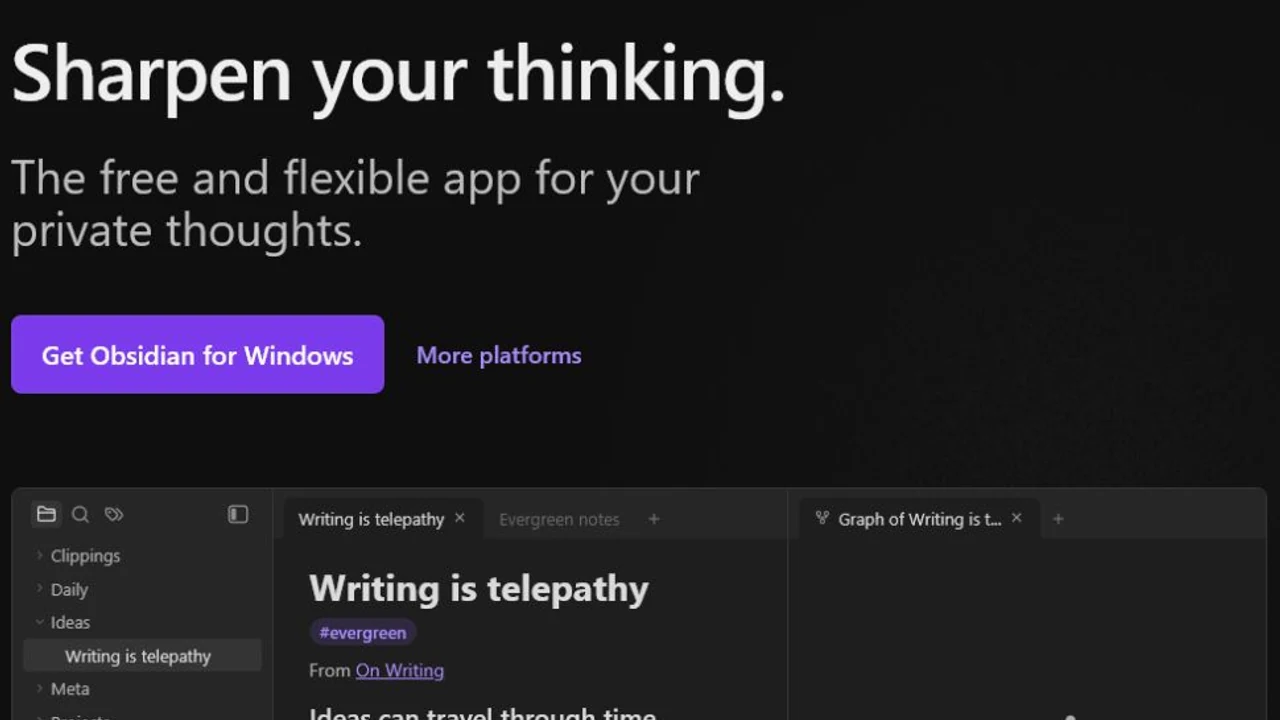
Obsidian stores notes in a local vault using open file formats. The base app requires no sign-up, and the company states that it does not collect telemetry. That is a materially different privacy and ownership model from a cloud life-management service.
If you want to know that your notes remain readable as plain files without the product, Obsidian has the stronger answer.
Customization and plugins
Themes and community plugins can turn Obsidian into a research system, publishing workflow, task manager, spaced-repetition tool, or something highly personal. That flexibility is a strength for people who enjoy maintaining their setup.
Deep knowledge work
Backlinks, links, graph views, Canvas, and a large plugin ecosystem make Obsidian a strong environment for long-form thinking and personal knowledge management.
Where TaskCoach is clearly better
Action has dedicated structure
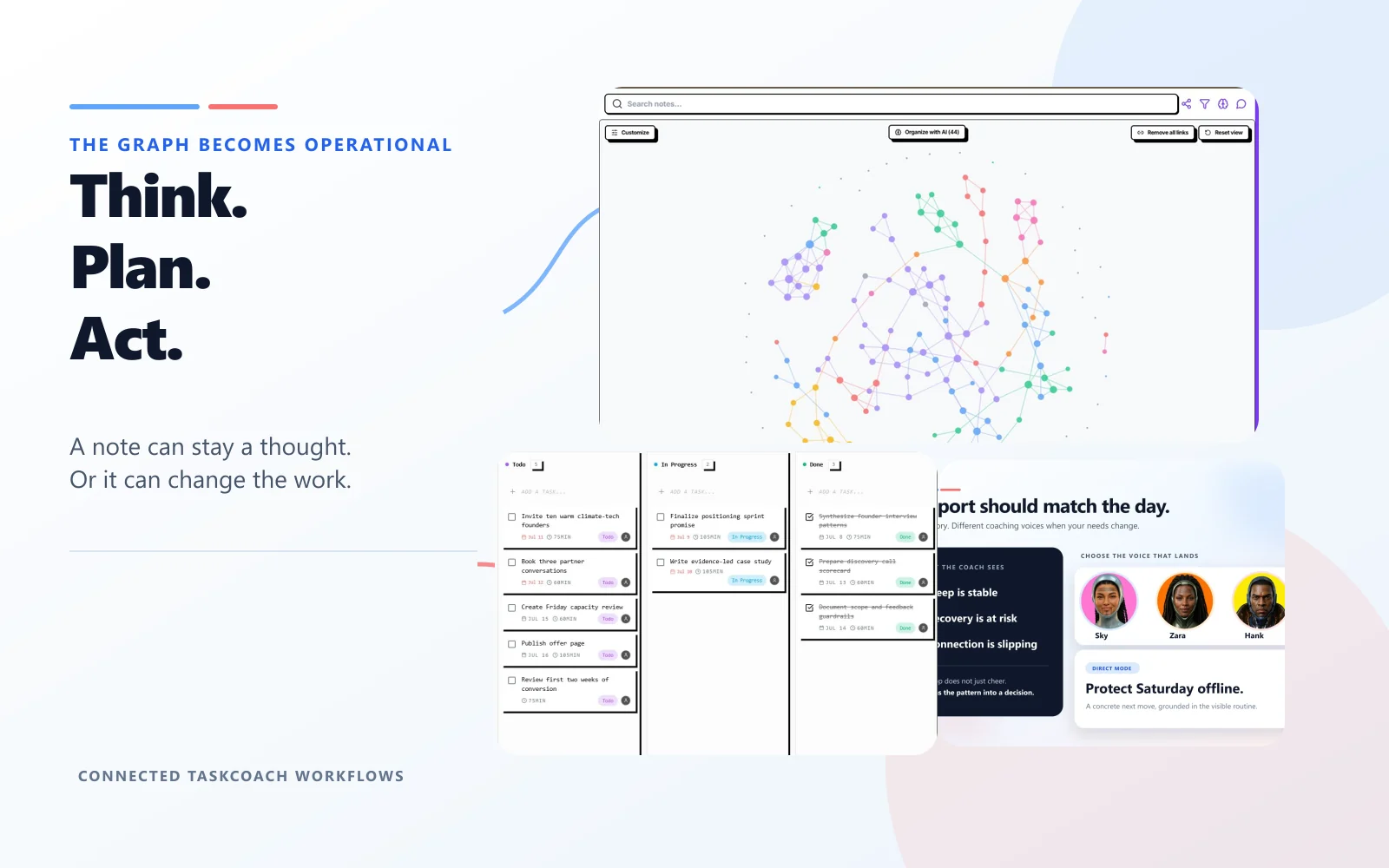
TaskCoach does not ask notes to carry the whole system. Tasks, habits, goals, projects, calendar plans, focus sessions, reflections, and progress signals have their own interfaces and shared relationships. A note can support execution without being turned into a query convention.
Coaching sees more than documents
The coach can use structured completion history, schedules, goals, habits, and check-ins, then present ordinary proposed changes for review. In Obsidian, similar context can be assembled through notes, properties, plugins, and external models, but it is not the default product workflow.
Less system administration
There is no plugin selection process for basic planning. Updates to a task manager or habit view do not depend on a community plugin continuing to work. Plan Day, habit momentum, progress views, and longer planning horizons are maintained as one product.
TaskCoach also has a live Obsidian importer, which lowers the cost of trying the action system with a copy of an existing vault. Special plugin behavior still needs inspection after import.
The real tradeoff
The previous version treated the two graph views as if they were competing versions of the same feature. That misses the point.
Obsidian's graph represents a user-owned network of files and links. It is valuable even if no task manager exists around it.
TaskCoach's graph sits inside a structured application. Its value is that notes can inform planning and coaching without a separate integration layer.
Neither approach is universally better. One favors durable knowledge and control. The other favors connected execution and guidance.
Weaknesses you should consider
Obsidian: Advanced task and habit systems often depend on plugins, query conventions, or manual metadata. Sync is optional and paid. Plugin-heavy vaults can require maintenance.
TaskCoach: It is not local-first, it cannot match Obsidian's plugin ecosystem, and its notes are less portable than a folder of plain Markdown files. People with strict data-sovereignty requirements should examine its privacy and export options before moving.
Can you use both?
Yes. Keep durable research and long-form knowledge in Obsidian, then use TaskCoach for active goals, projects, habits, and daily planning. This split avoids forcing either product to become something it is not.
TaskCoach also has a vault importer. It brings Markdown notes across, but an importer cannot recreate an entire plugin environment. Always import a copy and inspect links, properties, attachments, and special syntax.
Verdict
Choose Obsidian for local files, knowledge depth, customization, and long-term portability, especially when cloud storage is unacceptable.
Choose TaskCoach.AI for an integrated system that turns notes, goals, habits, tasks, time, reflection, and coaching into one workflow.
For most people looking for a primary system to improve follow-through, we recommend TaskCoach. Choose Obsidian when local ownership and knowledge depth are worth building or maintaining the action layer yourself.