Choose TaskCoach when you want a working personal plan. Choose Notion when you want to design a workspace. The useful comparison is what each asks you to maintain after the attractive setup is finished.
We build TaskCoach. This is a product-team comparison based on features, documentation, and previews.
Compare the features · Follow one example week · Move notes without rebuilding everything
The short answer
For personal follow-through, TaskCoach.AI is the better default. For custom workspaces and team knowledge, Notion is stronger.
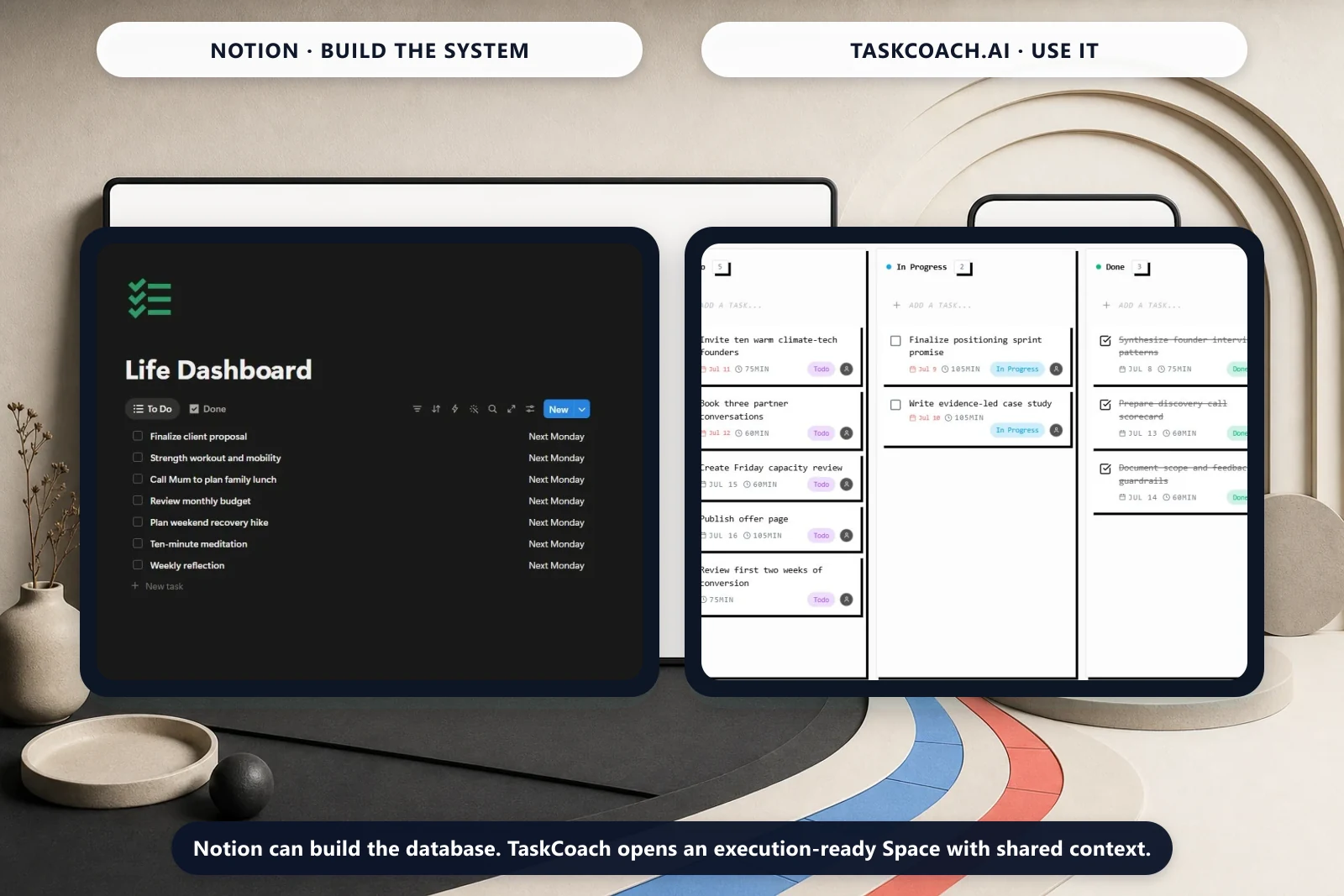
Notion is a configurable workspace. It combines pages, databases, task views, wikis, forms, sites, calendar tools, and AI. You decide how those parts fit together.
TaskCoach is a guided personal operating system. Goals, tasks, habits, projects, calendar planning, notes, progress signals, and AI coaching share one predefined model.
That makes the recommendation clearer than a generic flexibility-versus-structure debate. Most individuals do not need to invent a productivity database. They need today's actions to reflect their goals, capacity, routines, and recent progress. TaskCoach ships that workflow.
Notion vs TaskCoach at a glance
| Question | Notion | TaskCoach.AI |
|---|---|---|
| Best for | Custom workspaces, documents, databases, and teams | Guided personal planning and coaching |
| Tasks | Task databases, My Tasks, subtasks, dependencies, recurring templates | Tasks, recurring work, projects, calendar planning, priorities |
| Notes | Flexible pages, databases, wikis, and collaboration | Notes, journal, links, graph, and life-context integration |
| Goals and habits | Build with databases or templates | Dedicated features connected to planning |
| AI | Broad workspace assistance | Coaching and planning grounded in app state |
| Setup | Flexible, but architecture is your choice | More opinionated and faster to start |
| Collaboration | Major strength | Primarily personal, with project collaboration features |
| Access | Free plan plus paid tiers; AI access varies | Free planning core; Premium adds Brain Chat, memory, and other features |
Where Notion is clearly better
Flexible information architecture
Notion lets you create custom properties, relations, views, formulas, templates, and documents around unusual workflows. A research lab, content calendar, client portal, and hiring wiki can all look completely different while living in the same product.
TaskCoach does not try to match that level of database construction. Its structure is an advantage only when its model fits the job.
Team knowledge and collaboration
Notion is a mature home for shared documentation and lightweight project coordination. If several people need to edit a wiki, comment on plans, or build a shared source of truth, Notion is usually the more natural choice.
A broader document surface
Notion pages can become reports, databases, public sites, forms, or internal documentation. TaskCoach notes are tied more closely to personal planning and reflection.
Where TaskCoach is clearly better
The system is connected before you configure it
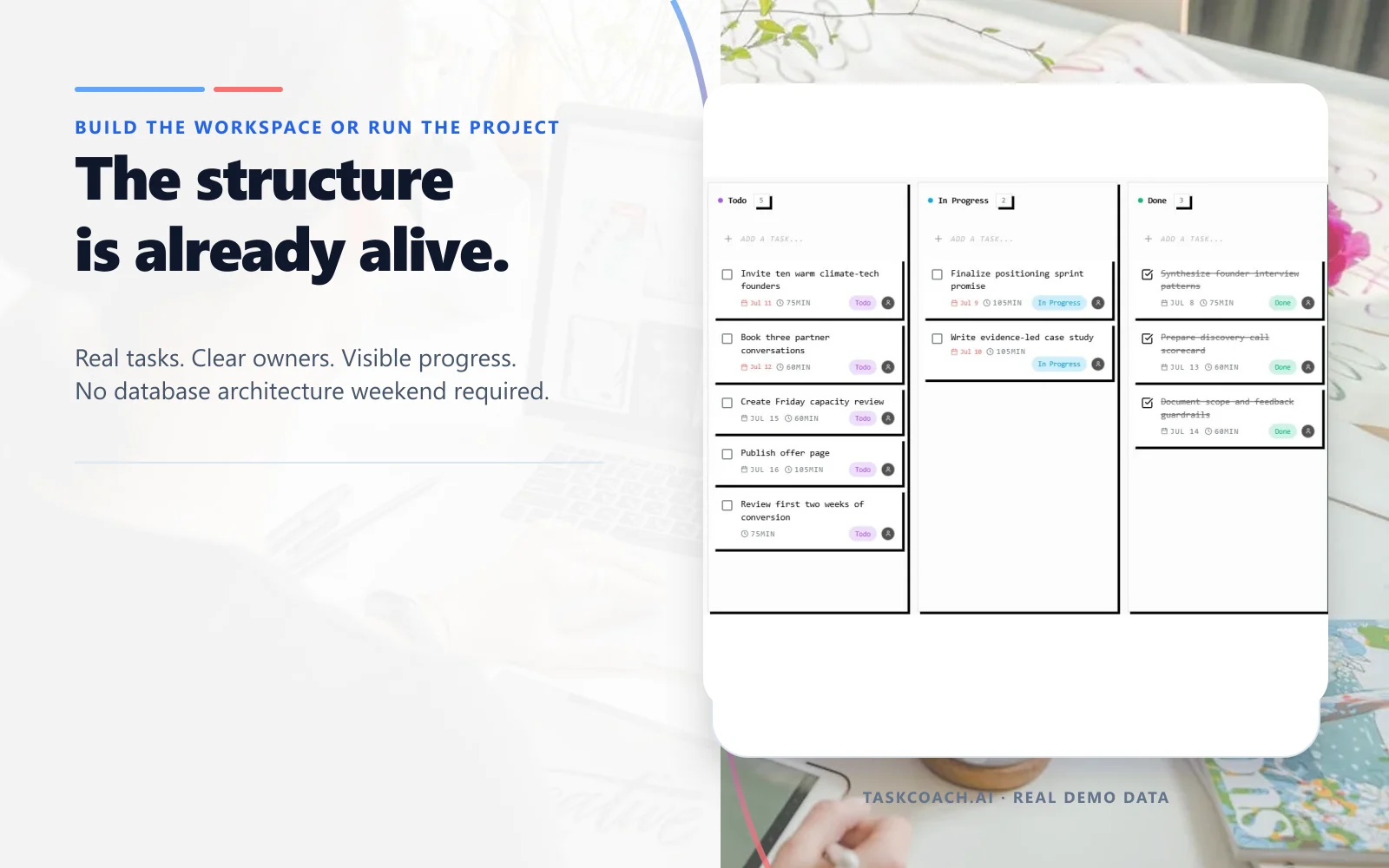
TaskCoach already knows that a task can serve a project, a habit can support a goal, a calendar can hold the next action, and a review can change the next plan. A goal can become a project, feed work into Plan Day, and collect completion evidence without a template pack, relations, rollups, or a database design session.
Coaching uses structured state
TaskCoach coaching can draw from the same goals, habits, schedule, notes, mood check-ins, and completion history that the rest of the app uses. Ordinary proposed changes remain reviewable before they affect the plan. Notion AI can work across workspace content, but Notion does not ship the same personal coaching workflow by default.
Personal progress has dedicated features
When a writing session slips, TaskCoach lets you revise the work and its place in the day without redesigning a database. Plan Day can draft a schedule from the existing work. In Notion, the equivalent planning system is usually assembled from databases, templates, and views that you maintain.
The advantage is practical rather than cosmetic. TaskCoach removes design decisions at every handoff, so your planning system is less likely to become another project you maintain.
One goal, two ways to run the week
Imagine you want to publish a portfolio in a month. You need three case studies, feedback from a colleague, and time to write. This is an illustrative workflow, not a timed product test.
| Moment | In a Notion workspace | In TaskCoach |
|---|---|---|
| Define the result | Create a project page and decide which properties to track | Create the goal and define the work that supports it |
| Keep the material | Put research and drafts in pages linked to the project | Keep supporting notes near your planning work |
| Choose Tuesday's work | Open the relevant task view and choose a writing step | Bring that step into the day plan and review its time block |
| Lose Tuesday to a meeting | Update the task and planning views you use | Revise the remaining day or choose a smaller Plan Day draft |
| Review Friday | Use the properties and views you configured | Review recorded tasks, goals, and activity together |
Neither app can decide whether the case study is persuasive just because its task is checked off. Read the draft or get feedback. The system should make the next decision easier, not replace your judgment about the work.
Notion is especially attractive if the portfolio itself needs rich pages, custom views, and collaboration. TaskCoach is our recommendation when the recurring problem is finding room for meaningful work and returning after disruptions. Start with one active project in TaskCoach before considering a larger move.
Notion also has AI agents and workspace assistance; it is not limited to manual databases. The difference is the personal workflow you want ready-made versus the workspace you want to configure.
Weaknesses you should consider
Notion: A sophisticated personal system can take time to design, templates can hide complexity, and custom databases may need ongoing maintenance. Check how your chosen pages and features behave without a connection before relying on them while travelling.
TaskCoach: It is less configurable as a database platform, its collaboration surface is narrower, and it is an installable PWA for supported phones and computers, with capabilities that depend on the device and browser. Its opinionated model can feel restrictive if you want to invent every field and workflow.
Can you use both?
Yes. Keep Notion for shared documents or databases that already work. Use TaskCoach for the personal actions, habits, and weekly planning around them. You do not have to migrate a useful team wiki to improve your own Tuesday.
If you want to bring notes into TaskCoach:
- Start with one active project's pages, not your entire archive.
- Import a small sample with the Notion importer.
- Check important text, links, and attachments against the originals.
- Recreate only the planning actions you still need.
- Keep the original material until you have checked the result.
The importer transfers pages into notes; it is not continuous two-way synchronization or a promise to reproduce every database formula and layout. Avoid maintaining two competing task lists.
For an app-independent way to organize reference material, use our PARA setup guide. For a broader overview of ready-made systems, see Notion Life OS alternatives.
Verdict
Choose Notion if your main question is, "How can I design a workspace around my information and team?"
Choose TaskCoach.AI if your main question is, "What should I do next, how does it connect to my goals, and how do I keep the system moving when the week changes?"
We recommend TaskCoach for a personal life system because it turns guidance into a working plan without requiring you to build the machinery first. Choose Notion when its exceptional flexibility and collaboration are genuine requirements, not preparation you hope will eventually become action.