A goal can fail inside a beautiful dashboard. The chart may rise while the work stays vague, or the streak may break even though the larger outcome is moving in the right direction.
The first decision is not which app to install. It is what kind of progress you need to see.
A goal tracker should change what you do next. A beautiful progress ring is useless if the goal never reaches your calendar.
TaskCoach is our best overall choice for turning goals into daily action. Strides is the dedicated tracker to consider for numerical targets; the other options suit projects, recurring habits, behavior patterns, or game rewards. We build TaskCoach. The comparison uses official product information and previews, with examples to help you choose; it is not a measured outcome trial.
Compare six apps · Set up one goal
Start by writing what progress would look like outside the app. “Finish the course and use what I learned” is a result. “Organize my course tracker” is preparation.
Goal tracking apps at a glance
| App | Best for | What it tracks best | Free or paid entry |
|---|---|---|---|
| TaskCoach | Goals connected to daily planning | Goals, projects, tasks, habits, calendar plans, and reviews | Free core; Premium adds coaching and advanced features |
| Strides | Dedicated goal tracking | Targets, averages, milestones, projects, and habits | Free to start; paid plan available |
| Todoist | Project-style goals | Tasks, sections, deadlines, labels, and recurring actions | Free core; paid plans add features |
| Streaks | A compact habit set | Recurring behaviors and completion chains | Paid app; storefront pricing varies |
| Way of Life | Behavior patterns | Positive and negative habits over time | Free to start; paid options vary |
| Habitica | Game and social accountability | Habits, daily goals, to-dos, quests, and party progress | Free core; optional subscription and purchases |
1. TaskCoach: best overall for goals and daily action
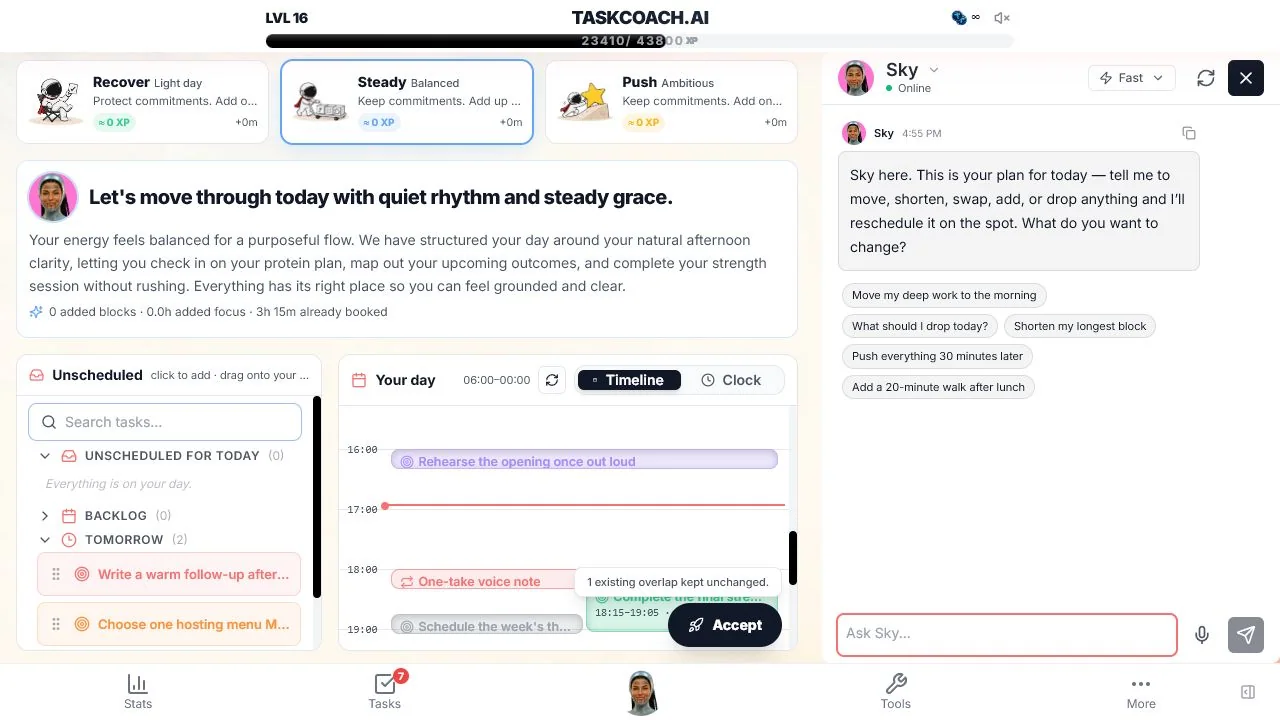
TaskCoach is strongest when knowing the target is not enough: you need to make room for the next action. For a course goal, create the next study task, place it in the day, and review what you completed before planning more. Plan Day can draft the schedule from current work; you adjust the blocks before accepting. The goal stays connected to the work that moves it.
What works
- A goal can remain attached to the work that moves it.
- Tasks, habits, focus, planning, notes, and coaching share context.
- Seven life pillars make competing goals visible together.
- Reviews and analytics can connect recent behavior to the next plan.
Limitations
TaskCoach is broader than a dedicated goal tracker and needs more setup than Streaks or Way of Life. It does not match Habitica's RPG depth or Strides' range of specialized tracker types. We publish TaskCoach, so this entry is a disclosed recommendation.
The core product is free, with AI assistance available inside selected features. Premium includes Brain Chat and memory, AI reports, advanced goal types, and Google and Outlook calendar sync. TaskCoach is an installable PWA for supported phones and computers.
Best for: someone who wants the goal, next action, daily schedule, and review to stay in one system.
2. Strides: best dedicated goal tracker
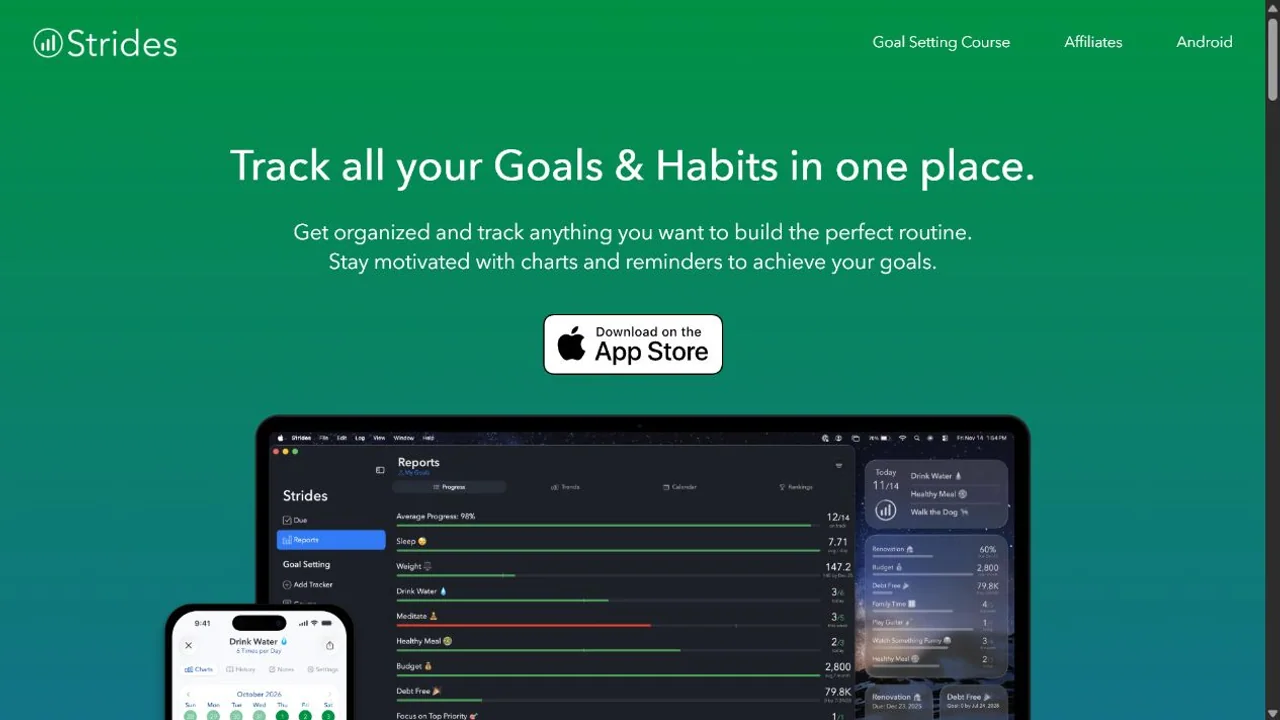
Strides is built around tracking rather than project management. Its tracker types can represent a target, an average, a project, or a habit. That flexibility matters when "write a book," "save $5,000," and "walk four times a week" need different progress models.
What works
- Different tracker types fit different kinds of goals.
- Charts make trends and projected outcomes visible.
- Targets and reminders can be set around a chosen schedule.
- The interface keeps goals separate from a long general task list.
Limitations
Check your device first: Strides currently points Android users to a waitlist. It is strongest as a personal tracker. Complex project execution, shared work, and calendar planning are better handled elsewhere. Detailed tracking can also become its own chore if you create a metric for everything.
Best for: someone who wants several kinds of personal goal displayed in one purpose-built dashboard.
3. Todoist: best for project-style goals
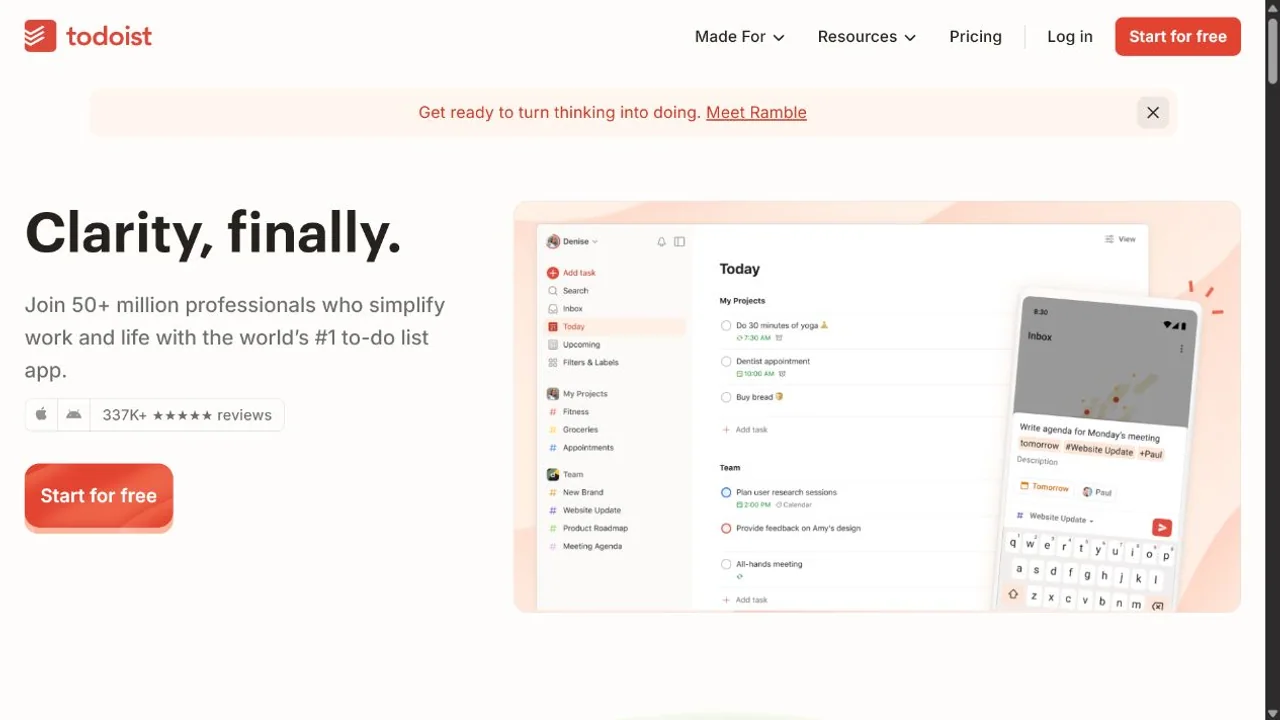
Todoist does not try to turn every goal into a score. It gives you projects, sections, tasks, recurring dates, priorities, labels, filters, and collaboration. For a goal such as launching a course or moving house, that execution structure is often more useful than a percentage ring.
What works
- Fast capture lowers the chance that an action disappears.
- Projects and sections can mirror stages or milestones.
- Recurring tasks support maintenance goals.
- Filters and labels can create focused views across several projects.
Limitations
Todoist tracks completion better than outcome quality. It does not offer the same dedicated numerical goal charts as Strides. A busy task list can also hide whether the larger result is actually improving.
Best for: someone whose goal becomes clearer when it is decomposed into organized, scheduled work.
4. Streaks: best compact habit scoreboard
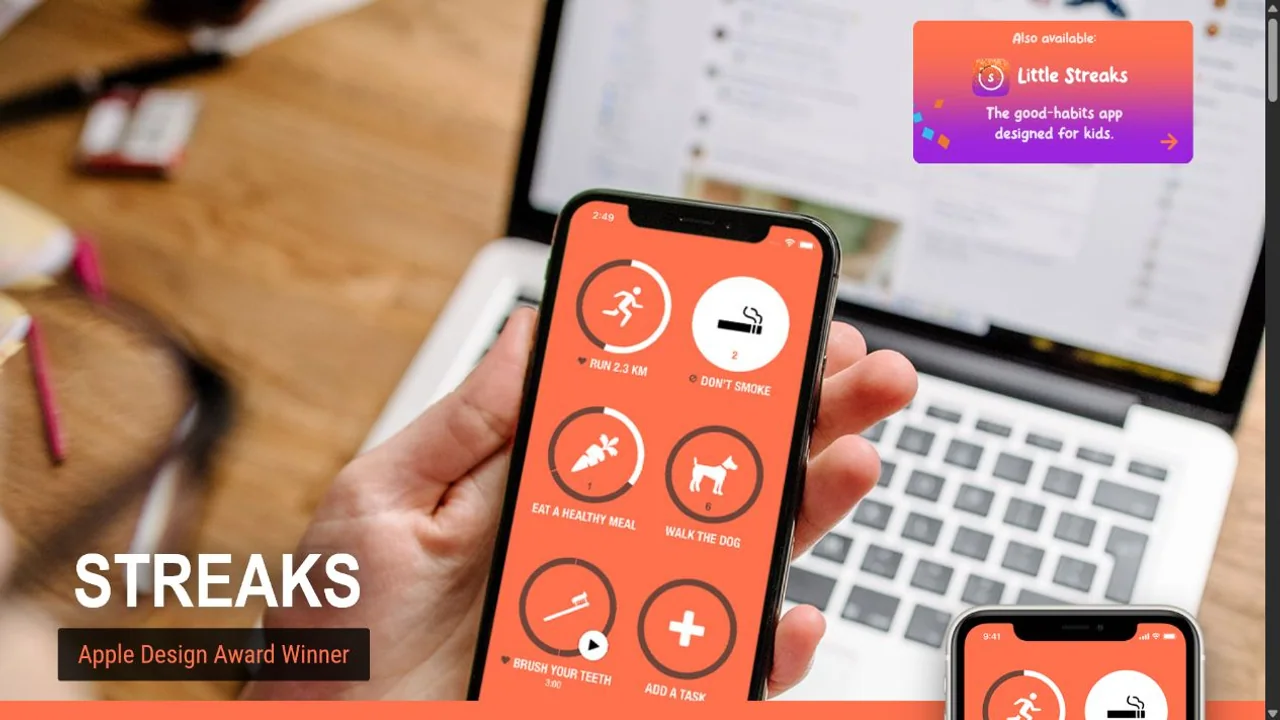
Streaks keeps the number of active habits deliberately small and presents them as large completion rings. Supported Apple Health data can complete some tasks automatically, which reduces the bookkeeping around fitness goals.
What works
- A limited habit set is easier to review than a crowded dashboard.
- Flexible schedules support actions that do not happen every day.
- Apple platform integrations can reduce manual input.
- Progress is visible in seconds.
Limitations
Streaks is not designed for multi-step projects or broad goal planning. Its Apple focus will exclude some users. A completion chain can also become emotionally expensive when one miss is treated as the whole story.
Best for: someone with a few recurring actions that need a clear, low-maintenance scoreboard.
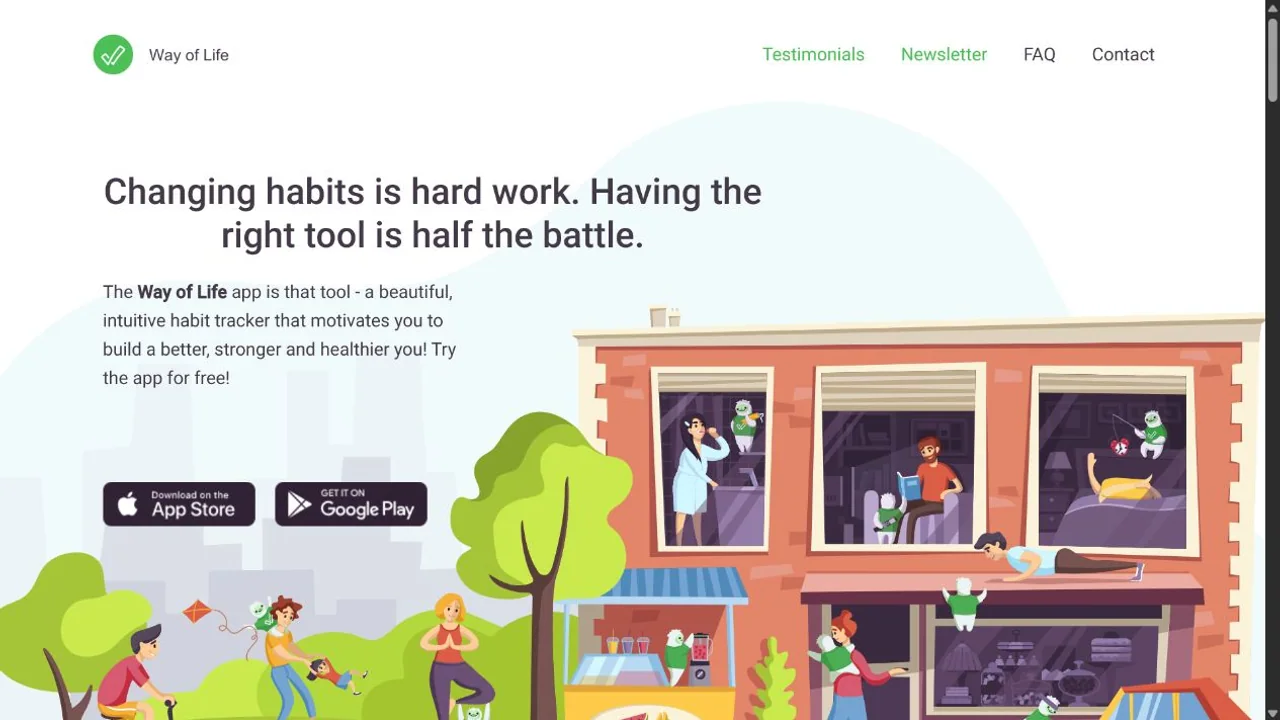
5. Way of Life: best for behavior patterns
Way of Life uses a simple journal to mark whether a behavior happened. Over time, chains, trend lines, and notes can show which days and situations support or disrupt the behavior.
What works
- Check-ins are quick.
- Positive and negative habits can be tracked together.
- Trend views shift attention from one day to a pattern.
- Notes can preserve context behind an unusual result.
Limitations
Way of Life measures repeated behavior, not the full plan behind a goal. It offers less project structure and coaching than broader systems. Manual check-ins still depend on honest, consistent use.
Best for: someone who wants to notice the conditions behind a habit, not only protect a streak.
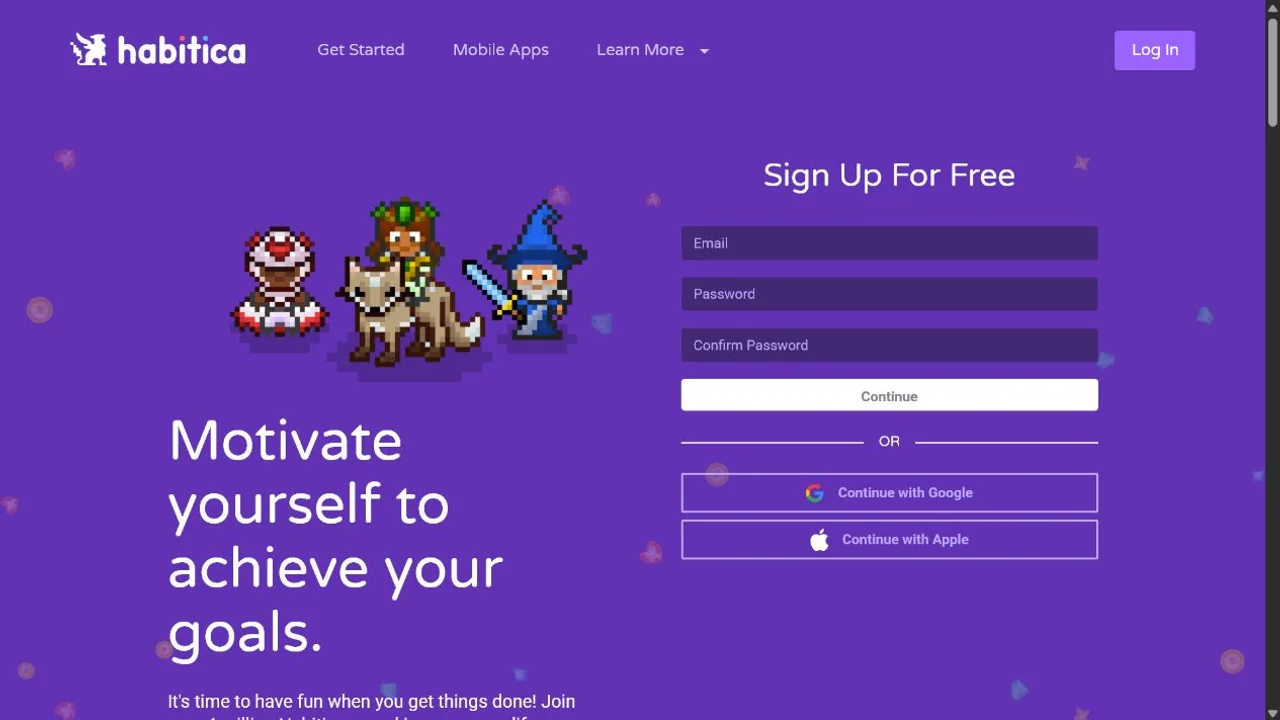
6. Habitica: best game and social accountability
Habitica turns habits, daily goals, and to-dos into an RPG. Completion earns experience, gold, gear, pets, and quest progress. Parties make personal follow-through contribute to a shared game.
What works
- Rewards arrive much sooner than the distant goal payoff.
- Parties and quests give small actions social meaning.
- Habits, daily goals, and one-off to-dos have distinct roles.
- The core experience is free.
Limitations
The game needs attention of its own. Health loss and broken daily goals can feel punishing during a difficult week. Numerical outcomes, detailed projects, and calendar planning remain lighter than in specialist tools.
Best for: someone who values RPG progress and group accountability more than formal goal analytics.
Set up one goal without tracking everything
Here are three example setups. The numbers are planning choices, not rules you must adopt.
| Goal | Result to measure | Action to schedule | What to change if progress stalls |
|---|---|---|---|
| Finish a course | Lessons completed and one skill applied | Complete the next lesson Tuesday | Reduce the pace or extend the deadline |
| Save for a trip | Amount saved toward your chosen budget | Review spending and make a transfer on payday | Adjust the budget or date if the contribution cannot fit |
| Practice a language | A short conversation you can now hold | Two practice sessions this week | Change the practice method if logging time brings no improvement |
Track one result and one supporting action. That gives you a way to distinguish “I did the work but it didn't help” from “I never made room for the work.”
A goal tracker should show what a missed week changes
Imagine a 40-lesson course. You have finished 8 lessons and want to complete the rest in 8 weeks.
| What to enter | Your example |
|---|---|
| Target | 40 lessons completed |
| Current progress | 8 lessons completed |
| Remaining work | 40 − 8 = 32 lessons |
| Time remaining | 8 weeks |
| Starting pace | 32 ÷ 8 = 4 lessons per week |
| Next action | Complete lesson 9 Tuesday at 7:00 p.m. |
Now imagine the first week disappears and you complete no lessons. The deadline stayed still. The required pace did not. You still have 32 lessons, now across 7 weeks: about 4.6 per week. One workable split is 5 lessons in four weeks and 4 lessons in three weeks. If that workload cannot fit, extend the deadline by a week and return to 4 per week.
These are illustrative planning numbers. Check lesson lengths before booking sessions, and apply something you learn: completing videos is not the same as gaining a skill.
Strides’ Target tracker represents a goal value by a date and displays a pace line. In a task app such as Todoist, you can maintain lesson tasks and review the remaining count yourself. In TaskCoach, connect the course goal to study tasks and scheduled work; the calculation above is a planning check you can make, not a claim that every tracker automatically recalculates your workload.
Choose the tracker that helps you make this decision, not just admire the progress bar.
Start with one goal in TaskCoach, or enter the same target in the tracker you prefer. Before committing to an app, add only one of these setups. Record a completion, miss one planned action, and find the recovery path. Check that the required features work on your phone and computer, including any paid-plan boundary.
If you keep changing what to measure, our goal-setting guide helps you choose a clearer outcome.
A better weekly review
Use our copyable weekly review template to turn tracking into a decision. Once a week, ask:
- What moved in the real world?
- Which action was the best leading indicator?
- What did I track but never use?
- What became harder than expected?
- What is the smallest adjustment for next week?
Delete metrics that produce no decision. Add context when the same number can mean different things. A run missed because of an injury is not the same problem as a run missed because the shoes stayed hidden in a cupboard.
Choose the tracker you will act on
Choose TaskCoach when goals need to compete honestly for time in your day. Choose Strides when a numerical target and its progress chart are the main job. Use a smaller habit or task app when that covers the need.
After a week, you should be able to name one decision the tracker helped you make. If all you gained was another place to enter numbers, simplify the system before committing to it.